Mobility Technology
Your fleet, charging, booking, payment, and support tools do not share the full picture. We connect them and show problems early.

We built the website while talking to customers
Jump.ac needed customer research and a new website at the same time. We interviewed users while building the WordPress site. Their answers changed the message before launch. Read the Jump.ac example.
Problems hide between your tools
A free vehicle can look busy in the booking system. A charger can work while payment fails. Your team needs one clear view.
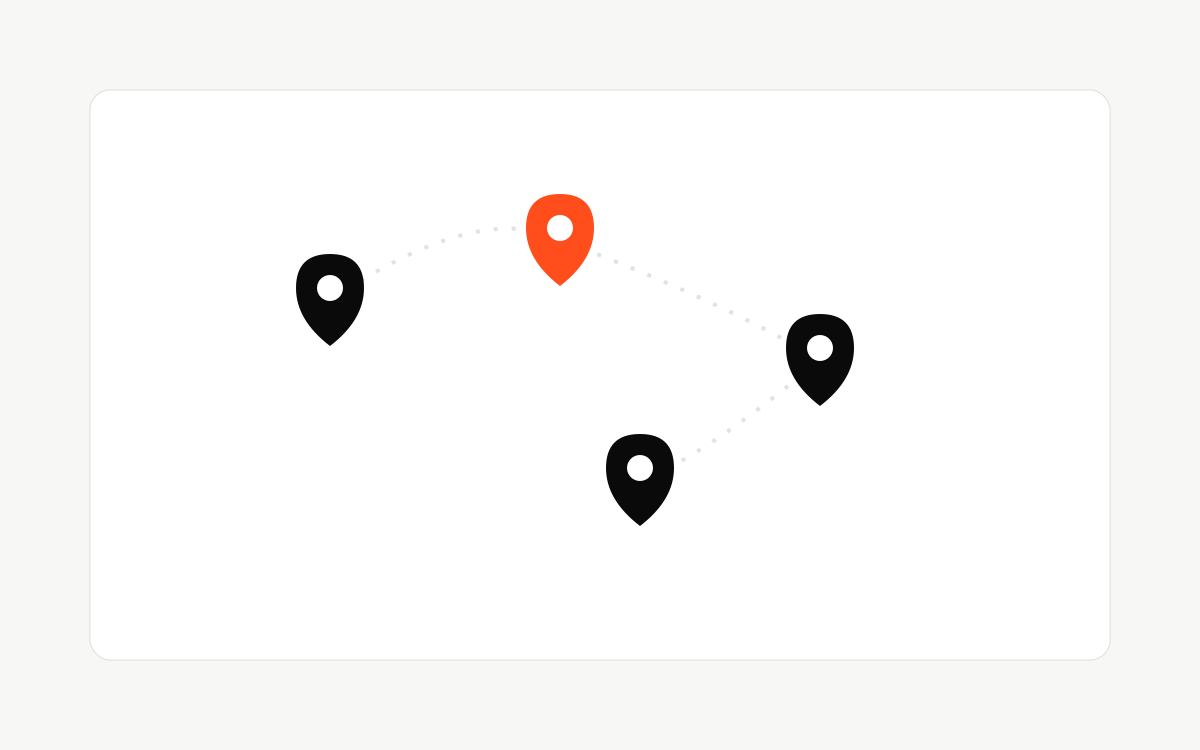
Fleet status arrives too late
Vehicle, route, and repair data sit in separate tools. Your team often hears about a problem from the customer.

Charging works, but payment fails
A charging session can fail between the charger, account, and payment tools. Support cannot see the full problem in one place.
Support checks too many screens
Support opens several tools to answer one question. The customer waits while the team copies details by hand.
Put the full trip in one view
We follow the customer from booking to charging, payment, and support.
Then we connect the useful data and route each problem to the right person with the details they need.
See the current service status
Show vehicle, route, charger, and payment information in one place. Show when each item was last updated.
Route each problem to the right fix
Flag failed sessions, old data, and broken payments. Send the right details to the person who must fix it.
Booking and payment stay simple
Remove confusing steps from booking, account setup, and payment. Track where customers leave.
Fewer hidden problems. Faster answers
Your team sees problems sooner, answers customers faster, and copies less data between tools.
Relevant services: Integrations & APIs, Workflow Automation, Tech Strategy, WordPress agency, SEO for B2B, AEO & GEO for AI search, Website relaunch. See the work →
Vehicles do the moving. Software keeps them moving
Fleet and charging teams need current information, clear owners, and a tested plan for failures.
Also relevant in your sector: Workflow automation, Conversion-focused site work, Integrations & APIs.
Adjacent sectors: Technology & SaaS, Startups, Retail.
What fleet and mobility teams ask before they engage
Can you connect charging, payment, and booking without a platform switch?
In most cases, yes. We connect the tools you already run so a failed charging session shows the full picture, charger, account, and payment, in one place instead of three separate logs.
How fast can support stop checking multiple screens?
Once the data sources are connected, a single support view usually goes live within a few weeks. The team sees vehicle, route, charger, and payment status together instead of opening four tools per ticket.
Do you work with fleets that mix owned and leased vehicles?
Yes. We connect whatever data sources you have, owned fleet telematics, leasing partner feeds, and booking systems, into one status view regardless of who owns the vehicle.
Bereit fürs Gespräch.Buchen Sie eine kurze Diagnose.
Sagen Sie uns, was nicht läuft
Wir lesen jedes Briefing und antworten innerhalb eines Werktags.
Lieber erst sprechen?oder Tech-Stack-Audit anfragen →oder direkt per E-Mail →
Unklar, wo Sie anfangen sollen? Schicken Sie die hängende Entscheidung, den Workflow oder die Seite. Wir sagen, ob ein Diagnosegespräch, ein Tech-Stack-Audit oder ein anderer erster Schritt passt.